
What is SuperClear AI
SuperClear AI is a Progressive Web App (PWA) that uses computer vision to detect Weather Resistive Barrier (WRB) installation defects in your inspection photos. You take photos in the field with your phone or tablet, upload them to SuperClear AI, and the app’s AI model marks up each photo with the defects it finds. From there you review the detections, edit the markups, and export a punch list — all in the same web app.
What SuperClear AI Does
Section titled “What SuperClear AI Does”- You take or upload photos of building envelope work in progress
- The app sends each photo through a computer vision model trained to spot WRB installation defects
- The model marks each defect on the photo with bounding boxes and labels
- You review the detections, fix any mistakes, add captions or tags, and generate a PDF punch list to share
Who SuperClear AI is For
Section titled “Who SuperClear AI is For”SuperClear AI is built for inspection teams doing building envelope quality control — especially work involving WRB installation. You’ll get the most value if:
- Your team takes a lot of photos during inspections
- You need to identify defects consistently across many inspectors
- You want to spend less time manually reviewing each photo
- You need to deliver punch lists with annotated photos to clients or contractors
How It Works
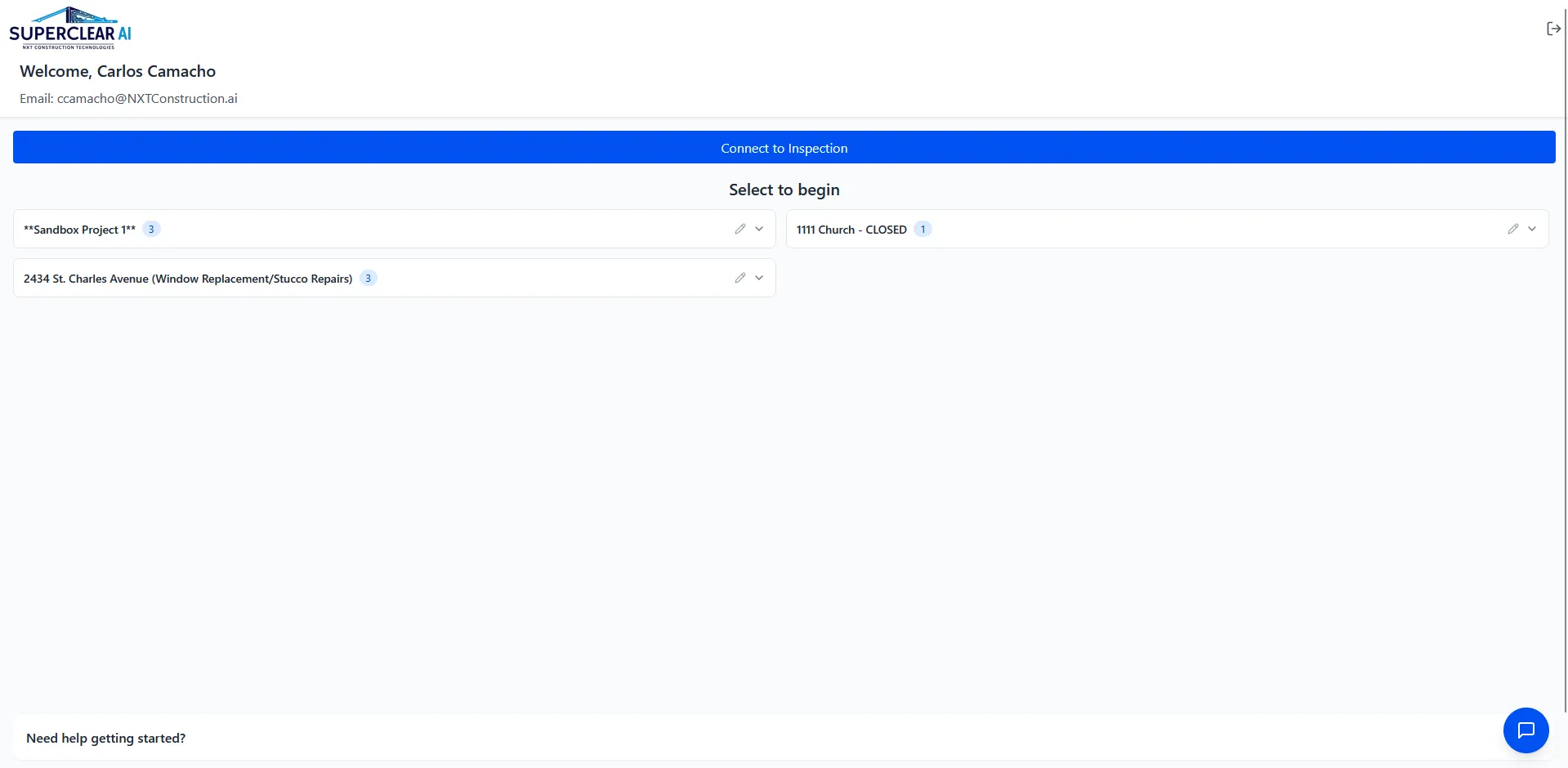
Section titled “How It Works”- Sign in at superclearai.nspec.app with your company email
- Connect or create an inspection — link to an existing nSpec inspection, or create a stand-alone one
- Open the inspection and use your device camera or photo gallery to upload photos
- Wait for AI processing — the model analyzes each photo and marks defects automatically
- Review the detections on the SuperClear AI screen — see annotations, filter by condition, group by tag
- Edit and annotate photos as needed using the built-in image editor
- Generate a PDF punch list with the annotated photos to share with your team or client
Key Features
Section titled “Key Features”- Photo capture from any device — works on phones, tablets, and desktops, with direct camera access on mobile
- Install as an app — add SuperClear AI to your home screen for an app-like experience without going through an app store
- AI defect detection — automatic markup of WRB issues with bounding boxes and confidence scores
- Image editor — built-in drawing tools (rectangles, arrows, text, freehand) for adding your own annotations
- Photo tagging — assign condition tags to organize and filter photos by defect type
- Confidence threshold — slider control to show only the most confident detections, or all of them
- PDF punch lists — one-click report generation with annotated photos
- Offline support — view existing photos even without internet (uploads and AI need a connection)
- Three connection modes — work with nSpec, Procore, or stand-alone
Connection Modes
Section titled “Connection Modes”SuperClear AI supports three workflows depending on what your team uses:
| Mode | Use when | What you can do |
|---|---|---|
| NSPEC Connection | Your team already uses nSpec for inspections | Connect to existing nSpec inspections and pull their projects in |
| Procore Connection | Your team uses Procore as the system of record | Create new stand-alone inspections that aren’t tied to nSpec |
| SuperClearOnly | You want both options available | Connect to existing inspections or create new ones — full hybrid |
You pick your connection mode in the Settings panel (the gear icon on the main view). Most users only see the modes their tenant is configured for — you may not see all three.