
Proposal Roles and Who Signs
Administrators decide who can be named on a quote and which of those people sign for your organisation. This article covers People, under Admin → Operations: proposal roles and signing entities, and where they show on a quote.
Opening People
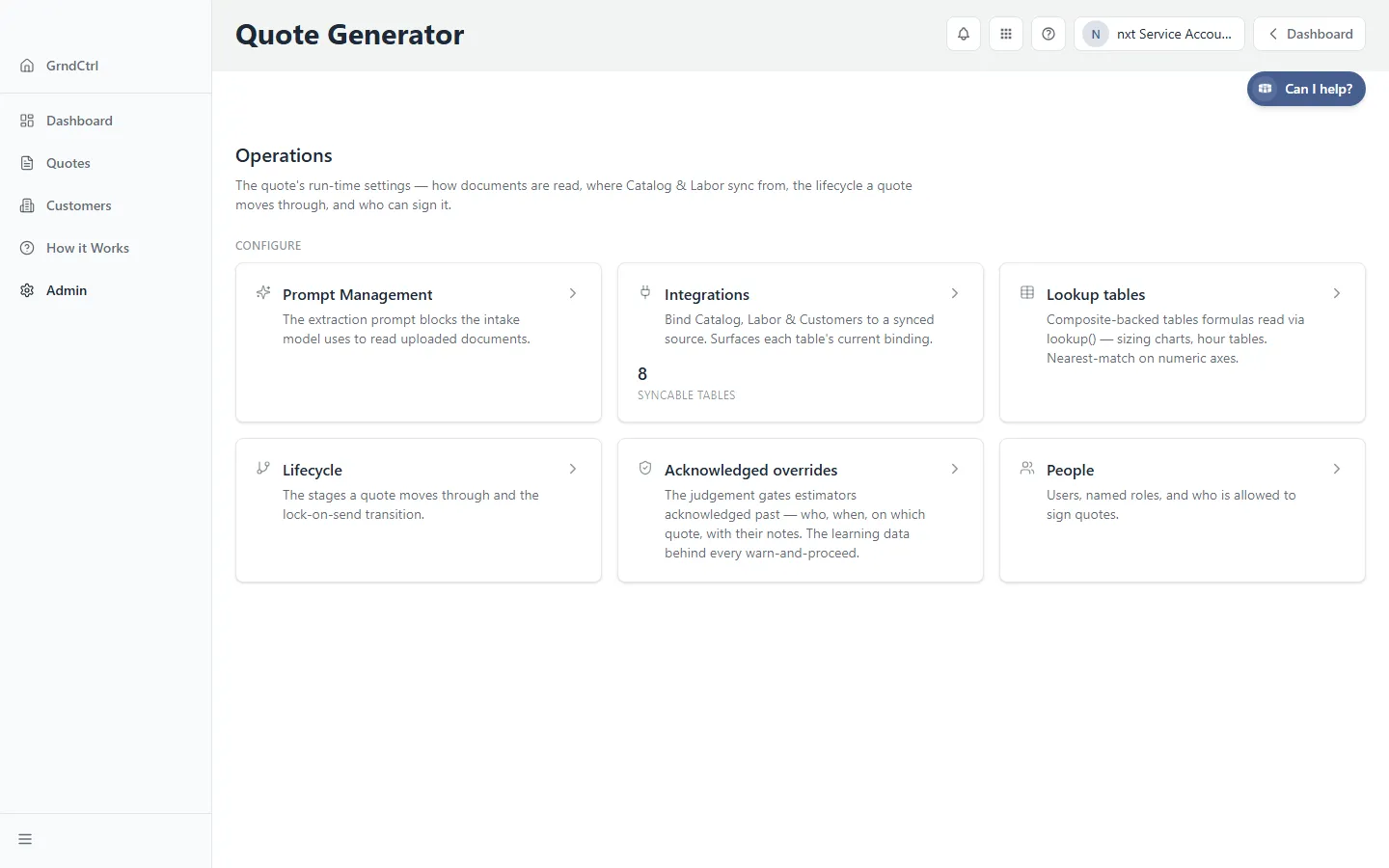
Section titled “Opening People”Open Quote Generator, click Admin in the sidebar, open Operations, then People: “Users, named roles, and who is allowed to sign quotes.” The page has four sections: Permission roles, Proposal roles, Signing entities and People, the list of your users with the roles each one holds and whether their signature is on file.
Permission Roles: What Someone Can Do
Section titled “Permission Roles: What Someone Can Do”A permission role is a name and a checklist of what its holders may do: Edit quotes, Send quotes and Approve stage transitions. Edit quotes and Send quotes each become a wall as soon as any role carries them; Approve stage transitions says who may move a quote into a stage that requires approval. Once a role carries Edit quotes, only its holders can change a quote or start one, and everyone else with access sees quotes view-only. Once a role carries Send quotes, only its holders can send. Beside the section title, Sending: gated or Sending: open and Editing: gated or Editing: open say which walls stand today.
- Under Permission roles, click + Add permission role.
- Type the name in Role name and tick what its holders may do.
- Click Create. To change a role later, change its ticks and click that role’s Save.
- Under People, click the role’s chip on each person who should hold it, then click Save people.
Proposal Roles: Who Can Be Named on a Quote
Section titled “Proposal Roles: Who Can Be Named on a Quote”A proposal role is a named place on the quote, such as an engineer or a countersigning officer: “Who can be named on a quote. Named people print where the template binds them and are cc’d by default.” Each role has a name and one switch, whether the person in that role signs. Salesperson is built in: every quote has one, and the salesperson may always sign for you.
- Under Proposal roles, click + Add proposal role.
- Enter the role under Proposal role name.
- Tick May sign for us if the person in this role signs the proposal for your organisation.
- Click Create. Existing roles show their key beside the name; edit one and click Save.
To delete a role, click the ✕ at the end of its row and confirm. Quotes that already name it keep it; it is only no longer offered on new quotes. How people and roles work →, under the section title, explains how roles and permissions fit together.
Signing Entities
Section titled “Signing Entities”Under Signing entities, list the legal entities your organisation signs as: “The legal entity a quote signs as; the paper prints its name.” Click + Add signing entity, enter the name and click Create. With none listed the section reads “None configured — quotes sign as your company name.” Once one exists, each quote picks one under Document Settings → People → Signs as, and a quote that has not picked one cannot be exported until it does.
The Customer’s Signer
Section titled “The Customer’s Signer”The customer’s signer is not set here. Each quote picks it from the customer’s contacts under Document Settings → People → Customer signer. See Adding Customers and Contacts.
Where These People Show on a Quote
Section titled “Where These People Show on a Quote”On each quote’s overview, the On the proposal cell lists everyone the quote names: the salesperson, the Approver the quote routes to, and the people added under your proposal roles. Signers names whose signatures are shown for your side and the customer’s signer. Clicking either opens Document Settings → People, where estimators add people under the roles you set up here, switch each person’s Show signature and Cc, and choose who is Told when the customer opens it. See The People on a Quote.
Adding someone under a role your organisation named (for example “Branch Manager”) does not change who the quote routes to. The routed Approver comes from the quote’s branch; see Which Approver Is Told About a Quote.
Troubleshooting
Section titled “Troubleshooting”I don’t see Admin
Section titled “I don’t see Admin”The Admin entry appears only for administrators. Ask your tenant administrator to grant your group access.
The signature block shows the wrong signer for our side
Section titled “The signature block shows the wrong signer for our side”Check which proposal role has May sign for us ticked, and on the quote, who is switched on under Signatures shown. Someone whose role may not sign, or who has no signature on file, is offered there with the reason they cannot sign.